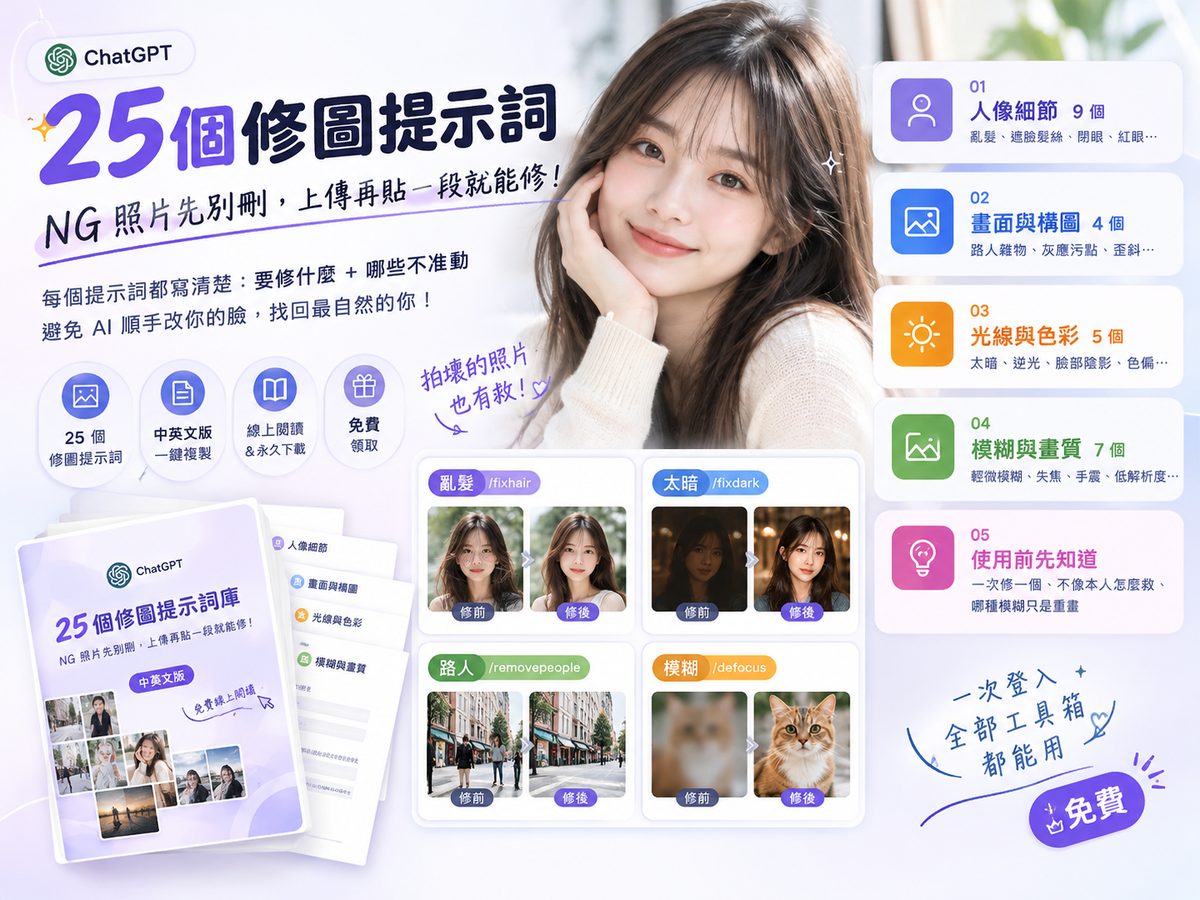
Turn ChatGPT into Your Personal Study Coach: 14 Must-Save Learning Prompts, from Mind Maps and the Feynman Technique to AI Quiz Games
With the right prompts, ChatGPT becomes a personal study coach. This post covers 4 core learning prompts in full: /summary for key-point notes, /blueprint for a knowledge structure, /flashcard for review cards and /mindmap for mind maps, each with a copy-paste prompt and an example. 10 more advanced prompts, including the Feynman technique, quiz games and active recall, are free in the toolbox.
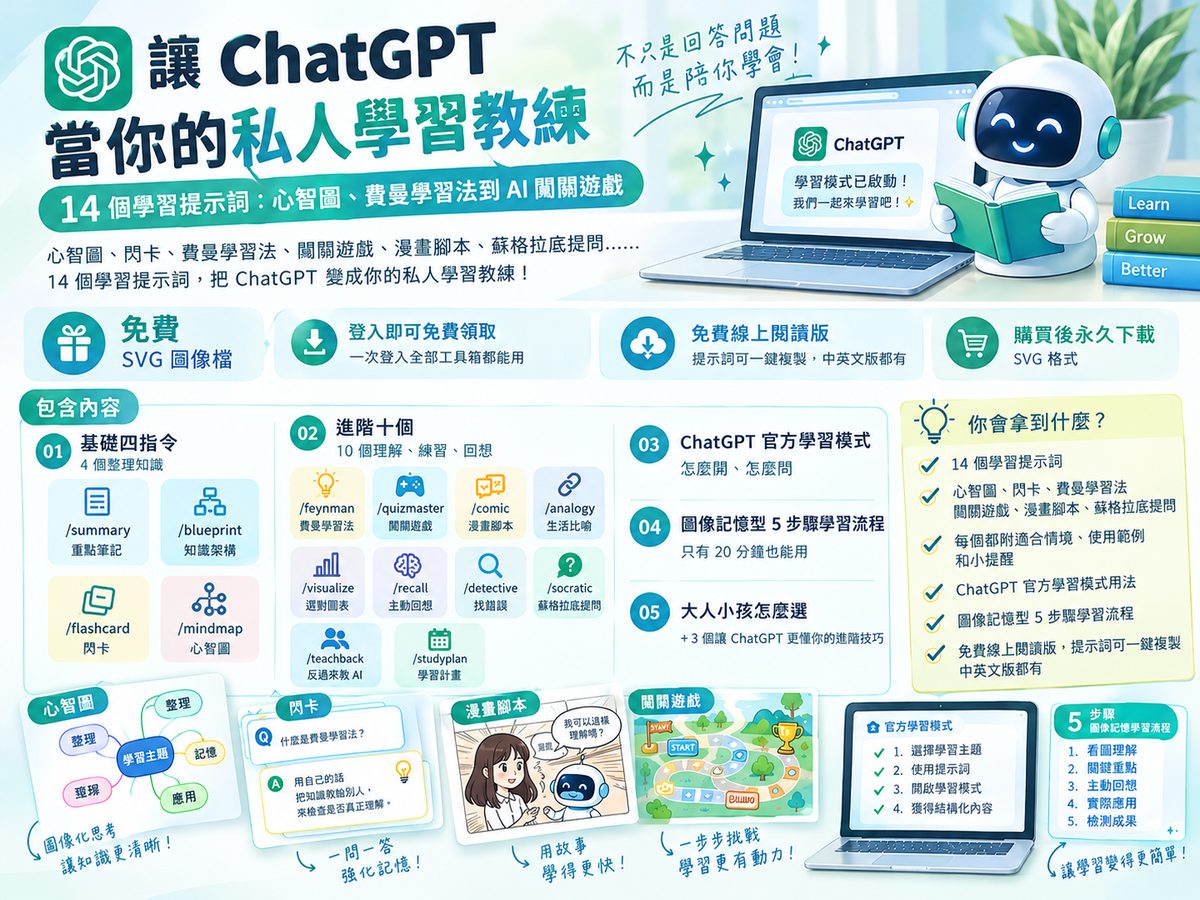
ChatGPT can do more than write and answer questions: with the right prompts it becomes a personal learning system that organizes notes, builds a knowledge map, quizzes you and makes mind maps. This post covers the 4 core prompts (/summary, /blueprint, /flashcard, /mindmap) in full. The 10 advanced prompts, how to use the official Study Mode and a routine for visual learners are in the free toolbox kit.
Names like
/summary and /mindmap are made-up shortcuts that are easy to remember, not official ChatGPT slash commands. Copy the whole block into the chat box and replace the [ ] with your topic. The illustrations in this post come from the web, each credited underneath.
TL;DR:
① 4 core prompts:/summarykey-point notes,/blueprintknowledge structure,/flashcardflashcards,/mindmapmind maps.
② They cover the first half of learning: organizing and seeing the big picture. Understanding, practice and recall come from the 10 advanced prompts (Feynman technique, quiz game, active recall and more).
③ Flashcards only work if you answer before flipping. Reading the answers doesn't count.
④ AI can be wrong: paste the original text when summarizing a textbook, and check important facts against reliable sources.
Whether you're a student preparing for exams, a working adult picking up a new skill, or a parent learning alongside your kids, a few simple prompts can make learning more structured, more fun and easier to understand. If, like me, you lose patience with a long block of text and prefer mind maps, diagrams, color-coding and visual notes, bookmark this one.
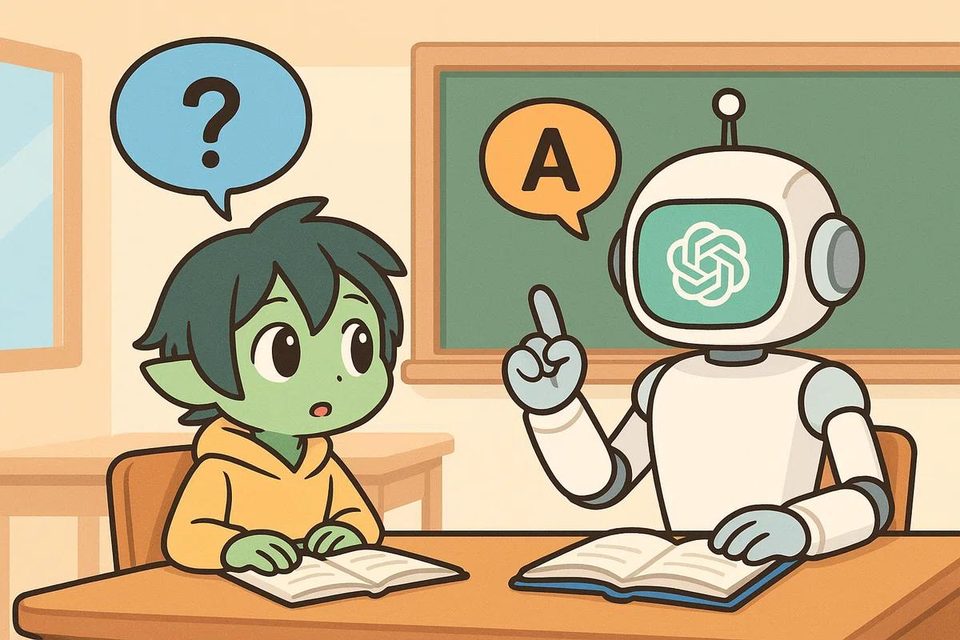
Bookmark these first: 4 core prompts for a personal learning system
These four are your starting point. Each handles one job: key points, structure, memory review and visuals.
1. /summary Key-point notes
Use for: reading long articles, organizing class notes, learning something new, getting up to speed on an unfamiliar topic.
When you first meet a subject, you don't have to read a pile of material from the start. Ask ChatGPT for layered key-point notes so you get the core ideas first.
Example: Type "/summary the British Industrial Revolution" and ChatGPT lays out its background, development, key inventions and impact.
Tip: When summarizing a specific textbook or article, paste the original text and ask ChatGPT to stick to it, so it doesn't skip important details or add unverified information.
2. /blueprint Map out the whole subject
Use for: complex topics, a new field of research, learning to code, building systematic knowledge.
Sometimes the problem isn't that you don't understand. It's that you can't see how the pieces relate. Rather than a summary, build a knowledge map and start from the overall structure.
Example: Type "/blueprint artificial intelligence" and it starts from the basics of AI, then works through machine learning, deep learning, generative AI and their applications.
Tip: Sometimes the problem isn't that you don't understand. It's that you can't see how the pieces connect. Use this when you don't know where to start.
3. /flashcard Flashcards you can review anytime
Use for: exams, vocabulary, technical terms, historical events.
Flashcards aren't about shortening your notes. They turn knowledge into questions, so you try to recall the answer first and then check whether you remembered.
Example: Type "/flashcard English irregular verbs" to get review cards with the base form, past tense, past participle and an example sentence.
Tip: The point of flashcards is turning knowledge into questions. Don't just read the answers: cover the back, answer yourself, then check.
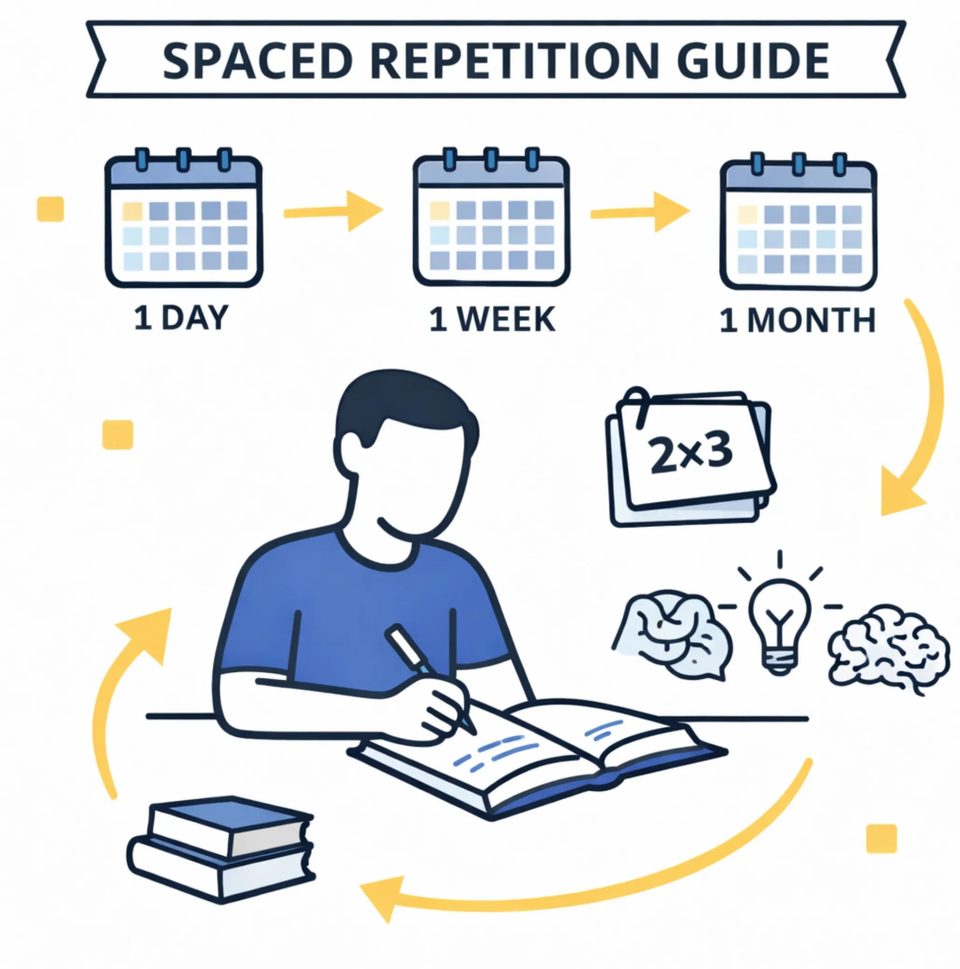
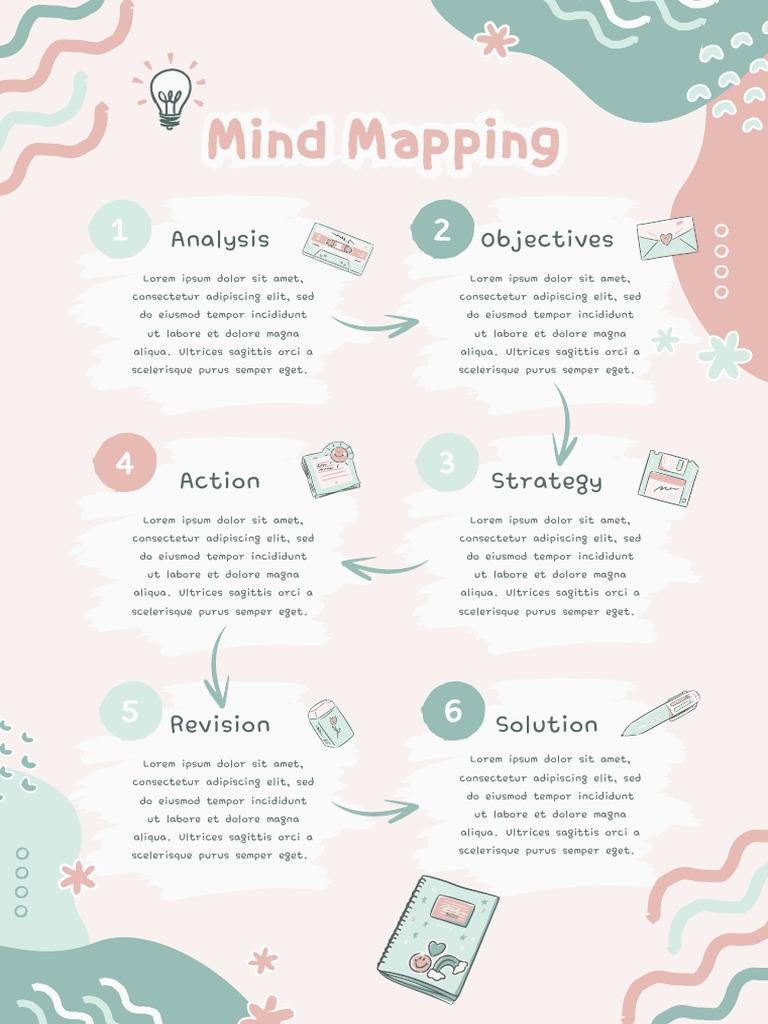
4. /mindmap A visual mind map
Use for: visual learners, untangling complex concepts, seeing how ideas connect.
If you like to see the whole picture before working through the details, a mind map is a good place to start.
Example: Type "/mindmap global warming" to sort causes, greenhouse gases, environmental impact and solutions into separate branches.
Tip: A text mind map won't automatically become an image. If you need a real picture, ask for an image explicitly, or paste the Mermaid code into a tool that renders diagrams.
Want to go further? 10 more advanced learning prompts
The four above organize knowledge. These ten take you further: understanding, practicing, recalling and applying, so learning is more than reading. The full prompts are in the free toolbox kit. Here is what each one is for:
| Prompt | What it does | Good for |
|---|---|---|
/feynman | The Feynman technique: teach it until you get it | programming, economics, science, business strategy, or the AI tool you are learning right now. |
/quizmaster | Turn studying into a level-up game | vocabulary, math, history, geography, science. |
/comic | Learn through a comic story | the water cycle, digestion, historical events, how code runs, English grammar. |
/analogy | Everyday analogies for abstract ideas | programming, finance, physics, psychology, business models and other abstract topics. |
/visualize | Pick the right diagram for the topic | history, science, workflows, system architecture, grammar, and topics that compare several ideas. |
/recall | Active recall: test what you actually remember | exams, languages, certifications, technical terms, anything you need to remember long term. |
/detective | Learn like a detective by finding mistakes | math, debugging, logic, science myths, and judging whether information is true. |
/socratic | Questions that guide your thinking | philosophy, business strategy, critical thinking, historical analysis, questions with no single right answer. |
/teachback | Teach it back to ChatGPT | preparing a presentation, professional knowledge, programming, business concepts, anything you need to explain to others. |
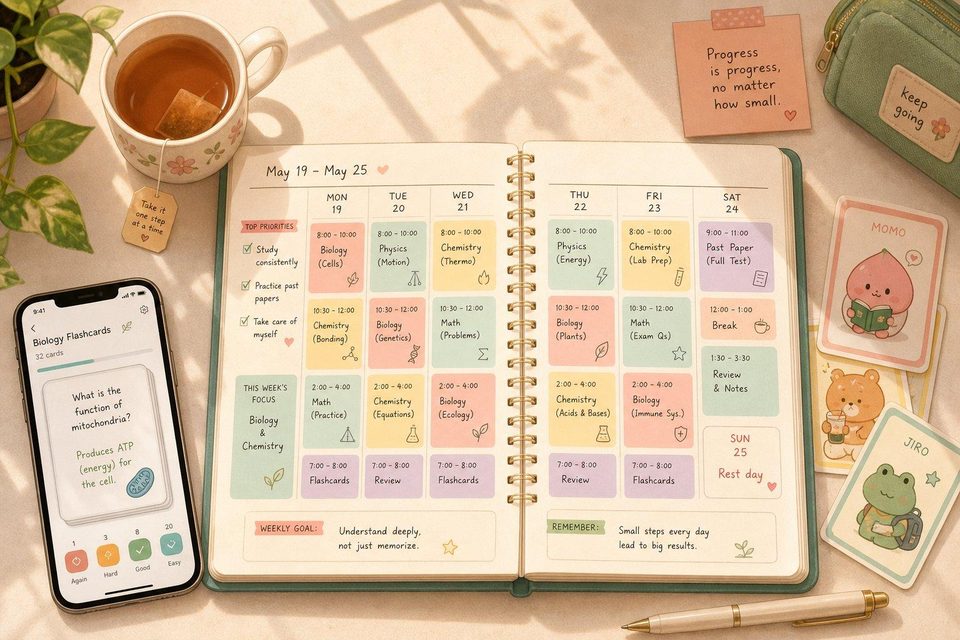
/studyplan | A personalized study plan | English, programming, certifications, design, marketing, work skills: anything that takes steady practice. |
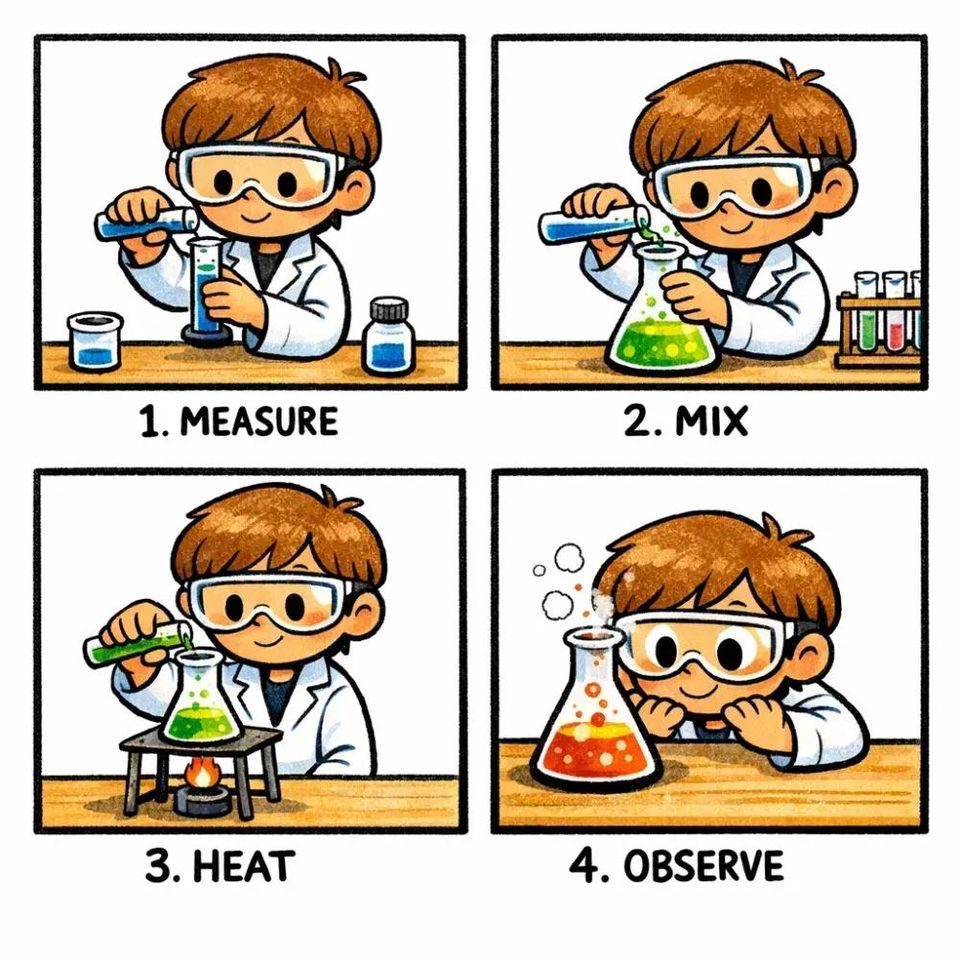
For example, /comic rewrites a topic as a 6-panel comic script, and /studyplan turns your available time, level and deadline into daily tasks with weekly quizzes.
Get all 14 learning prompts free →
Sign in to get the link: all 14 prompts with examples and tips, Study Mode, the 5-step routine, one-click copy, in English and Chinese.
Don't want to memorize prompts? Try ChatGPT's official Study Mode
ChatGPT has an official Study Mode. It walks you through a topic with questions, step-by-step explanations, hints and knowledge checks, instead of just giving answers. You can also upload class notes, PDFs or other material and ask it to help you understand and review them.
- Go to chatgpt.com/studymode, or look for Study in the ChatGPT tools menu.
- Enter the topic you want to learn, and tell it your level and goal.
- Let it teach you through questions and practice; when you're stuck, ask for a hint first.
Study Mode can still be wrong. Check important facts, exam material and professional knowledge against reliable sources.
Which prompts suit kids and adults
| Learner | Recommended | Good for |
|---|---|---|
| Kids | /comic、/quizmaster | Stories, riddles, everyday knowledge |
| Middle and high school | /mindmap、/detective | Math, history, science |
| University | /feynman、/socratic | Core concepts, research and reports |
| Working adults | /analogy、/studyplan | Work skills, business knowledge |
| Professionals | /teachback、/recall | Continuing education, applying knowledge |
Parents can use these together with their kids and help check the answers. Mind privacy too: don't enter a child's real name, school or other unnecessary personal details.
FAQ
Q1: Does typing /summary in ChatGPT work on its own?
Not reliably. /summary and the others are made-up shortcut names, not official ChatGPT slash commands. Copy the whole prompt into the chat box and replace the [ ] with your topic.
Q2: Can the mind map come out as a real image?
Sometimes. Ask for an image explicitly; if it gives you text instead, ask for Mermaid code and paste it into a tool that renders diagrams.
Q3: Can I trust the notes ChatGPT writes?
Not blindly. When summarizing a textbook or article, paste the original and ask it to stick to it. Check important facts, exam material and professional knowledge against reliable sources.
Q4: Where should I start if I only try one?
If you don't know where to begin, start with /blueprint to see the whole structure. If you need to remember things for an exam, start with /flashcard, and answer before you flip.
Get all 14 learning prompts free →
All 14 prompts, Study Mode and the 5-step routine for visual learners, free with sign-in.
Want ChatGPT to stop agreeing with everything you say while you study? Try my custom instructions that make ChatGPT more than a yes-man. If you want to build AI into your own content or learning products, get in touch.