AI Travel Photos of Yourself — No Photoshoot, and It Still Looks Like You
Hand ChatGPT a photo of yourself and ask for a travel shot, and nine times out of ten you get someone else: bigger eyes, sharper chin, plastic skin. The tool isn't the problem — the prompt never said what must not change. This post gives you a condensed prompt that locks your face and the look first, so every new scene is just three short paragraphs. Four real results included; the full kit is free in the toolbox.
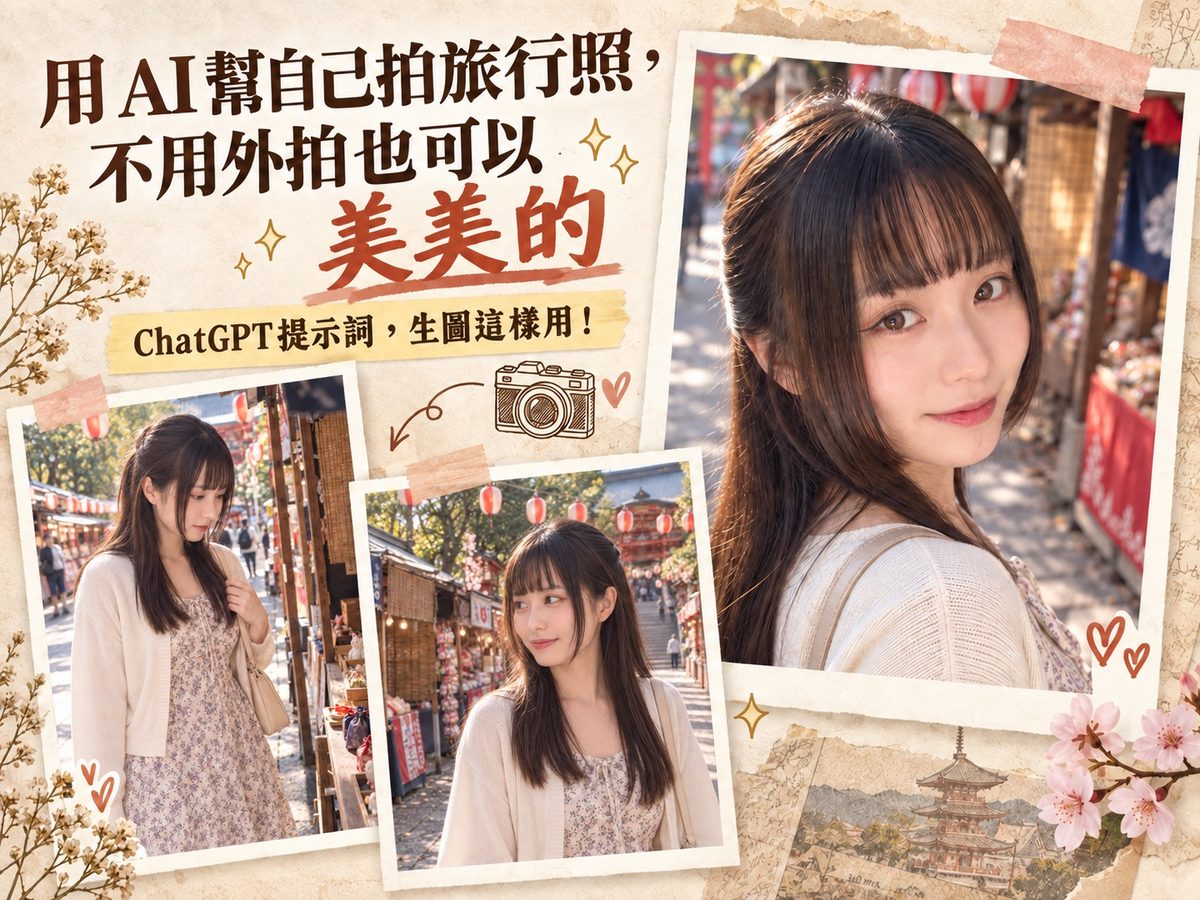
When an AI portrait of you doesn't look like you, it's usually not the model — it's that the prompt never said what must not change. The prompt below splits "who you are" from "where you are and how it's shot": the face follows the photo you upload, everything else follows the text. To change scenes afterward you only edit three short paragraphs, and clothing, hair, and light carry over on their own. I generated four shots with ChatGPT; all of them are in this post.
TL;DR
① Paste a master prompt first that says "keep the face shape, facial proportions, iris color, skin tone, apparent age" — and lists what's forbidden: no bigger eyes, no smaller nose, no sharper chin, no whitening.
② Describe a moment, not a pose. "A friend calls from behind and your eyes just met" kills the stock photo smile.
③ Give real camera settings (50mm, f/4, 1/800 s, ISO 100) and one clear light direction; that's where the photo feel comes from.
④ End with an "avoid" list that names AI's bad habits: plastic skin, glass-bead eyes, a glowing ring around the hair, HDR glow.
⑤ To switch scenes, write only three paragraphs (action, framing, camera). Don't mention the face or clothes again — AI carries them over.
Why your results don't look like you
I've failed at this plenty of times, and it comes down to three things:
- You never said "the photo is the reference." By default AI nudges everyone toward its idea of a standard face — slightly bigger eyes, smaller nose, brighter skin. If you don't say "don't," it will.
- You described a pose, not a moment. "Smiling at the camera" gets you an ID-photo smile. "A friend called your name and you turned just as your eyes met" gets you something that looks candid.
- You gave no camera and no light. Without a focal length, aperture, or light direction, AI falls back on its comfort zone: frontal fill light, a rim of light all around, background mush.
The four blocks in this prompt
The whole thing is really only about four things:
- Who you are (identity consistency): what to keep, what's forbidden. This is the block that matters most.
- Where and what (situation and action): one specific moment, not a pose.
- How it's shot (framing, light, camera): where the lens is, where the light comes from, what settings.
- What not to do (avoid): name AI's bad habits directly.
The condensed prompt (ready to use)
Copy the whole block below and send it to ChatGPT together with one photo of yourself — normal lighting, facing the camera or slightly turned, no sunglasses. To change the outfit or setting, edit just that block and keep the rest.
Paste that in and this is what I got:
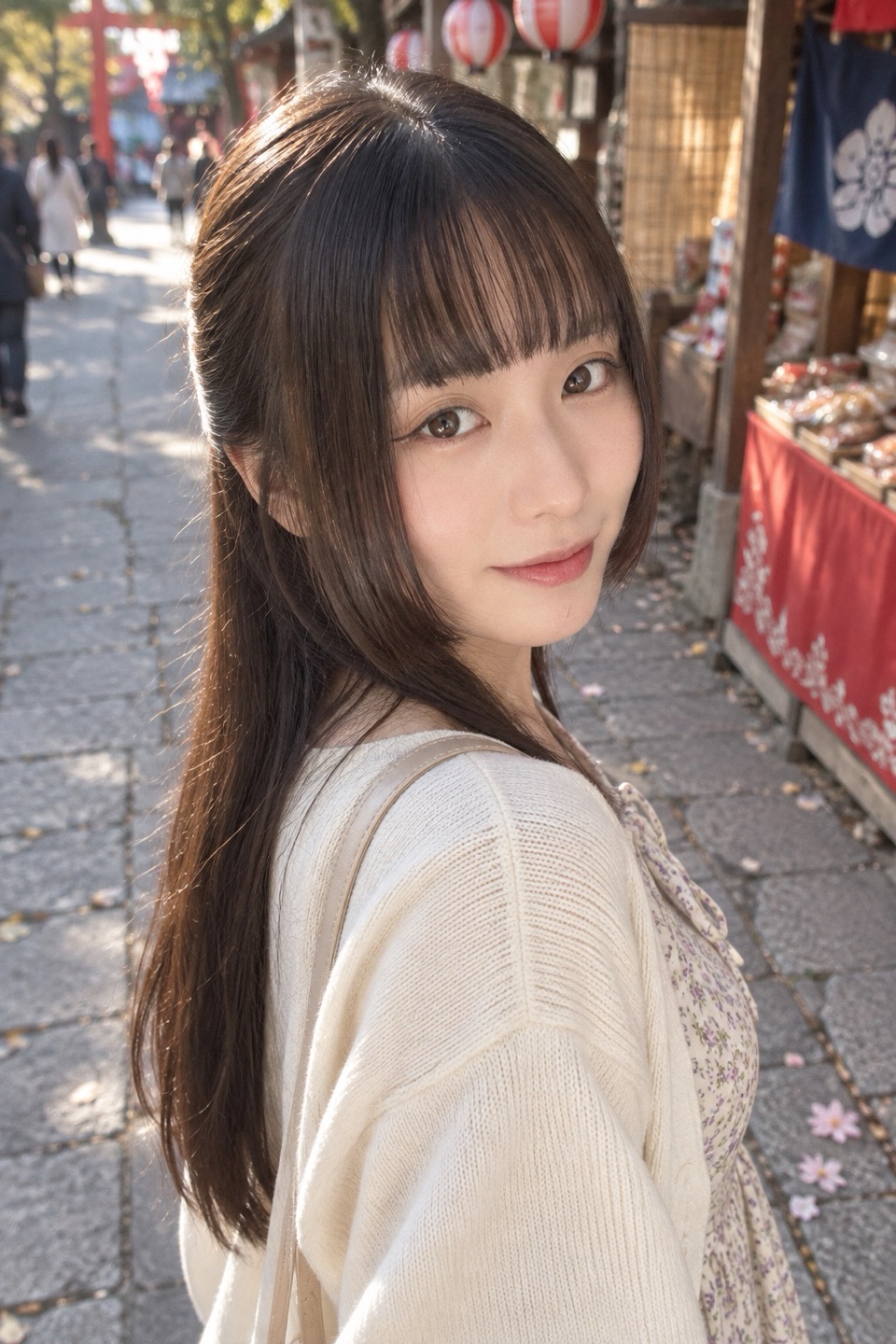
Switching scenes takes three paragraphs
Once the face is locked, paste the block below in the same chat — no need to repaste the master prompt. You'll notice it says nothing about the face, clothes, hair, or setting. Just action, framing, camera:
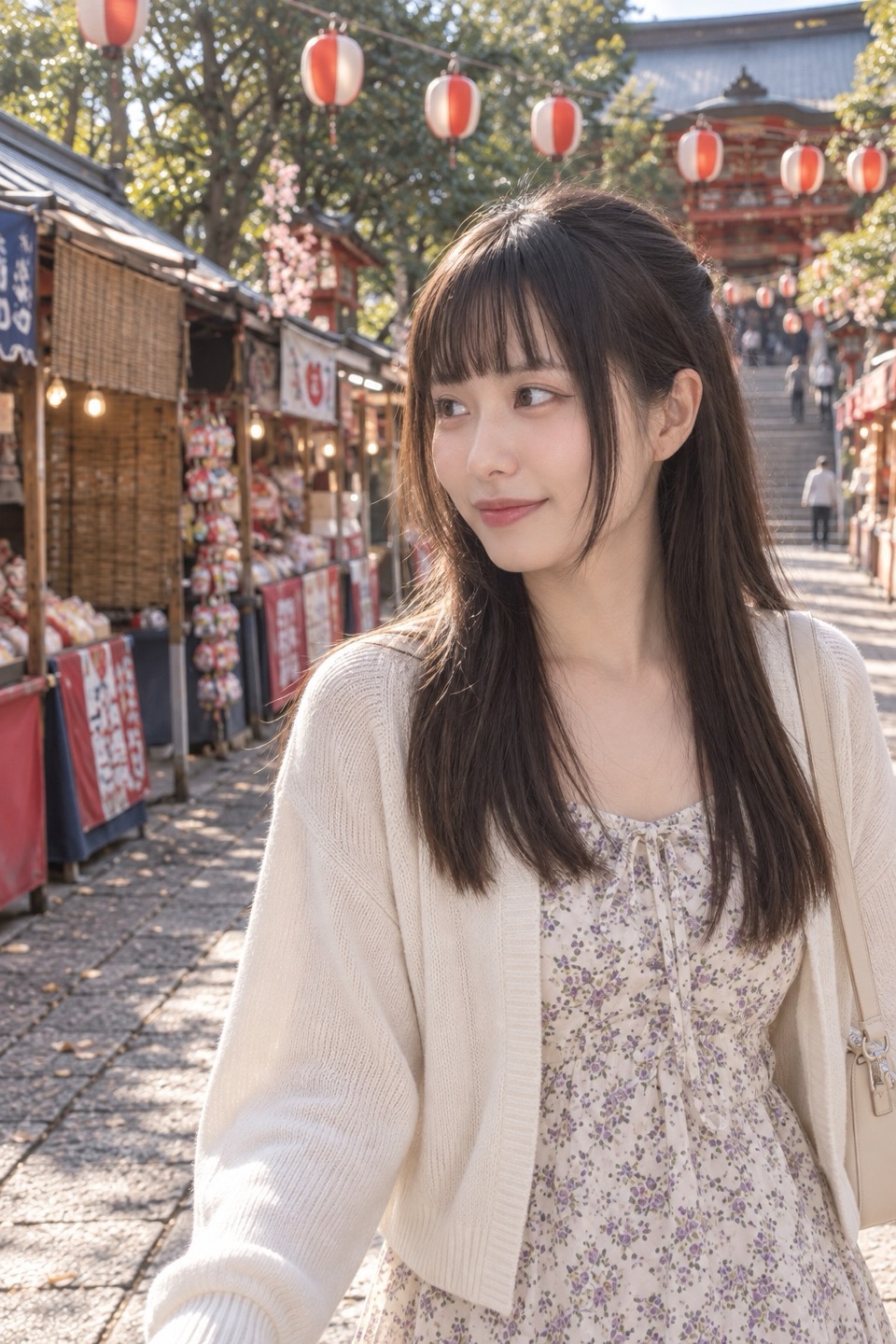
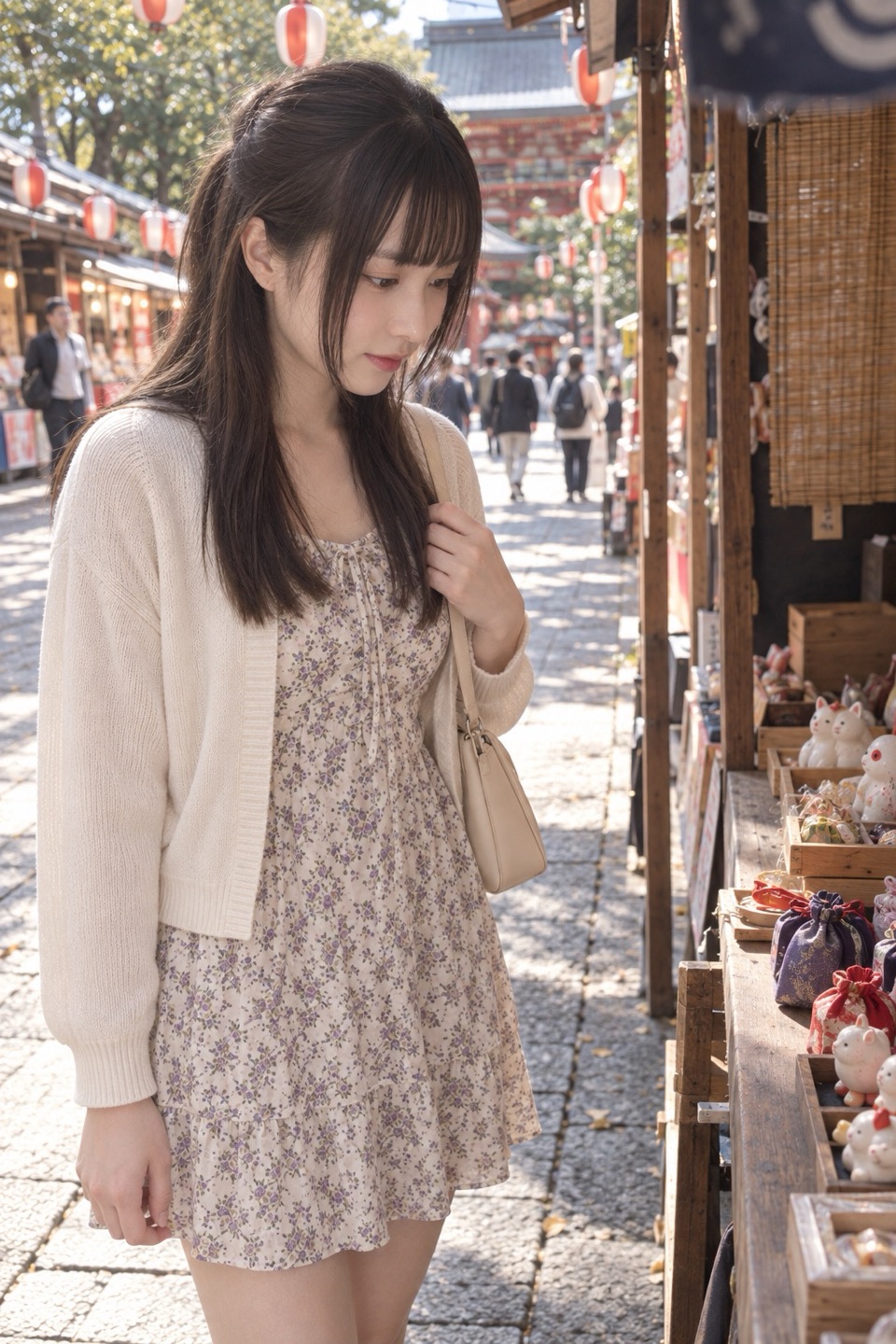
One more: she stops at a stall to browse, not looking at the camera. For this one I switched to 35mm and pushed ISO to 400, because she's standing in the shade of the canopy:
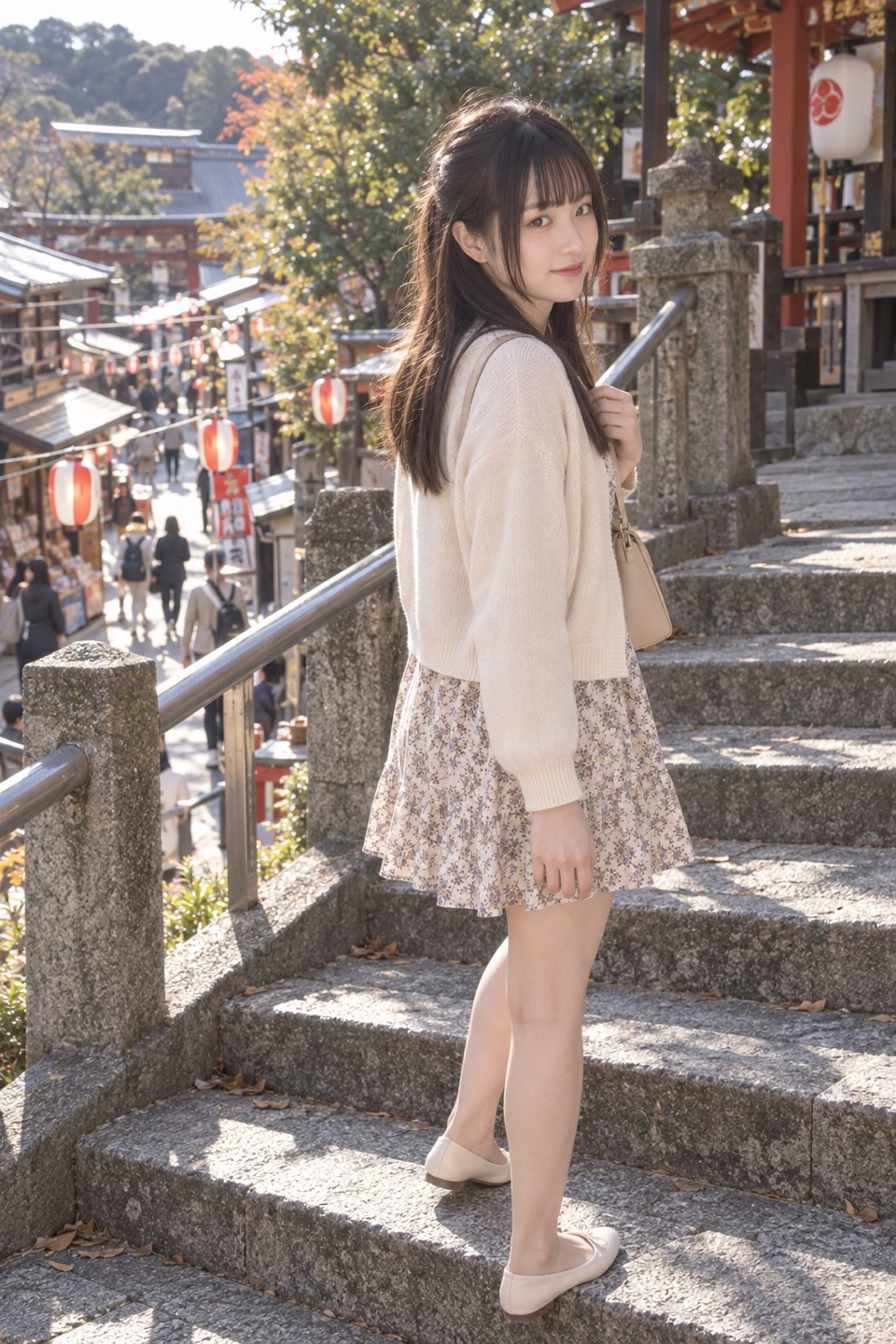
Last one, a full-body shot turning on the shrine steps. Same method, with one extra line: "keep the weight of the soles on the ground, do not lengthen the legs." That's where full-body shots usually break:
Want the full version
The condensed prompt above is enough to get a photo that looks like you. The full kit adds: how to describe clothing and hair so they don't get redesigned, how to write the setting so it isn't "evenly carpeted with petals," the complete light block, all three scene variations, a fill-in-the-blanks template for your own scenes (only action, framing, camera), and a table of common failures with fixes.
Get the full kit free: AI Travel Portrait Prompt →
Sign in to get the link. One-click copy, every prompt shown next to the photo it produced, in English and Chinese.
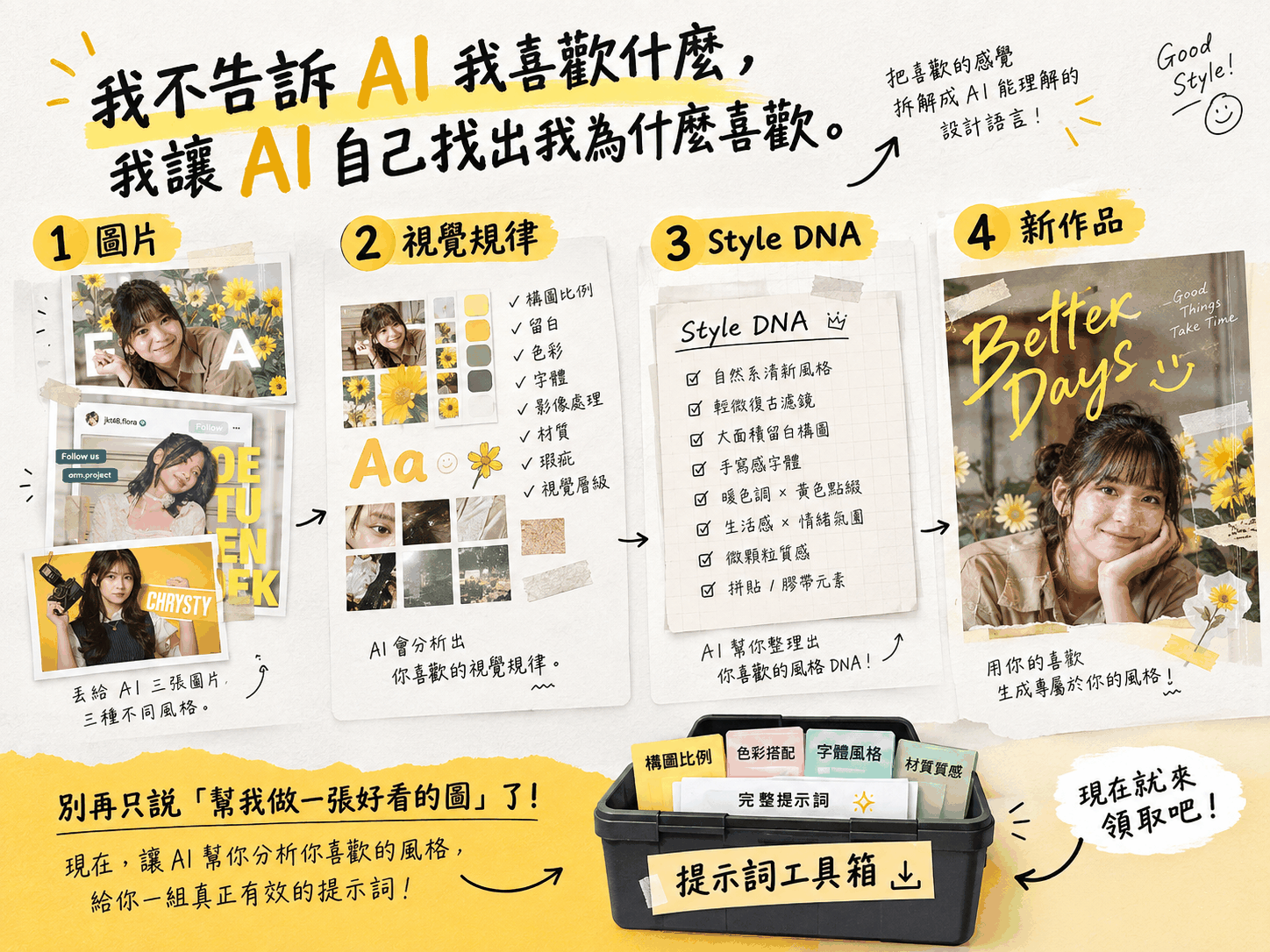
If you want to understand why AI images look like AI images in the first place, read the Style DNA reverse-engineering post next; the logic is the same: don't give adjectives, give rules.
FAQ
Q1: Do I have to upload my own photo?
It works without one, but you'll get a person AI invented. The identity block exists to lock in the real you; without a photo it has nothing to reference. Upload one with normal lighting, facing the camera or slightly turned, in the same message as the prompt.
Q2: Do I need to repaste the master prompt when I switch scenes?
Not in the same chat. Paste the master once, then only the three scene paragraphs for each new shot. Only a new chat needs the master prompt and photo again.
Q3: It still doesn't look like me — what now?
Change only the identity block and leave the rest alone. Move "do not enlarge the eyes, shrink the nose, sharpen the chin, whiten the skin" to the very top of the block; that usually fixes most of it. If it still misses, use a clearer reference photo — heavy side light, hats, and tiny images all make it guess.
Q4: Is this only for Japanese festival streets?
No — swap the setting and clothing blocks and keep everything else. Identity, light, rendering, and avoid are universal; beach, café, or old town, those four blocks stay.
If you want to talk through applying this kind of prompt logic to your own brand visuals, or you need someone to build the whole AI image workflow for you, get in touch.