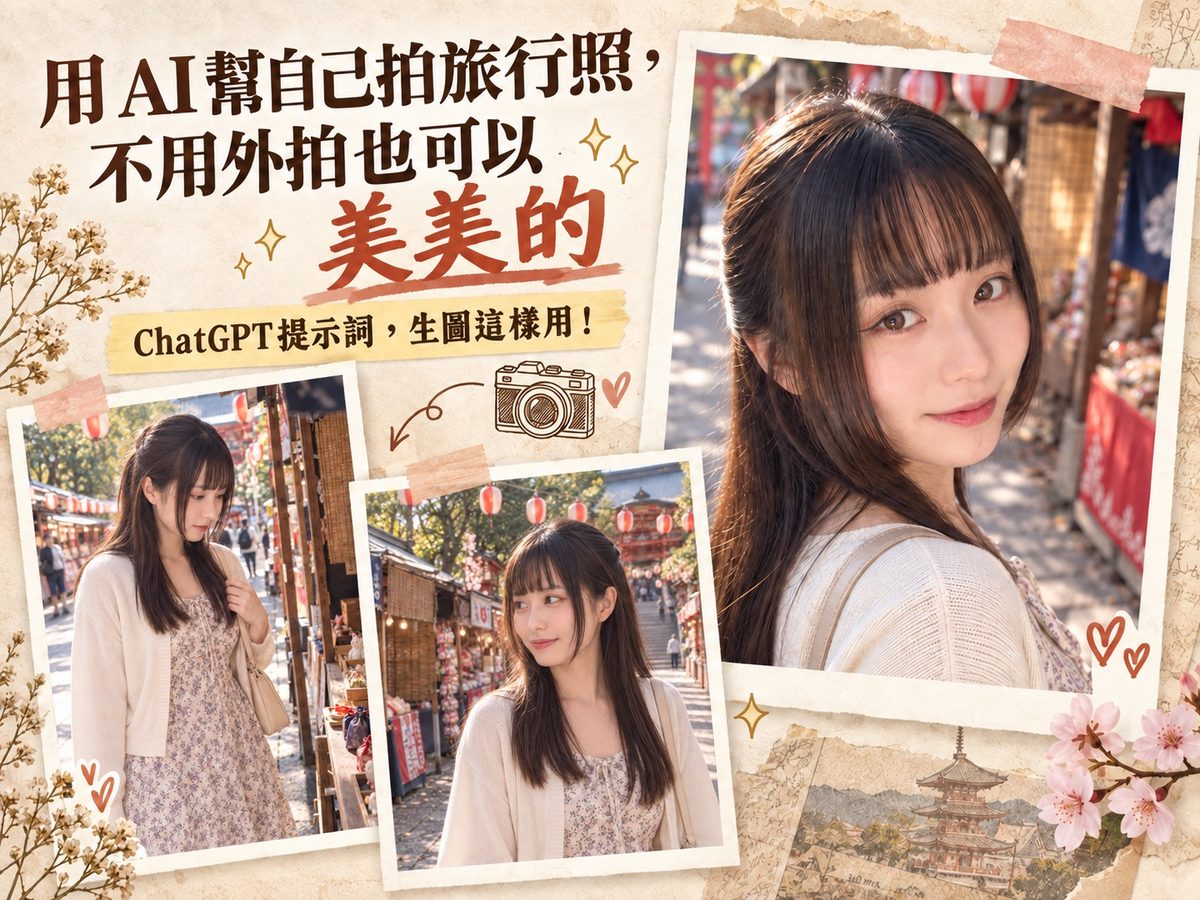
MeiGen Full Guide: An AI Image Prompt Gallery So You Never Start From Zero
The hardest part of making AI images usually isn't the design — it's not knowing what to type. MeiGen collects great AI-generated images along with their full prompts, ready to browse, copy, and adapt. Includes the correct official link, free vs. paid breakdown, a prompt formula, and reverse-engineering tricks.
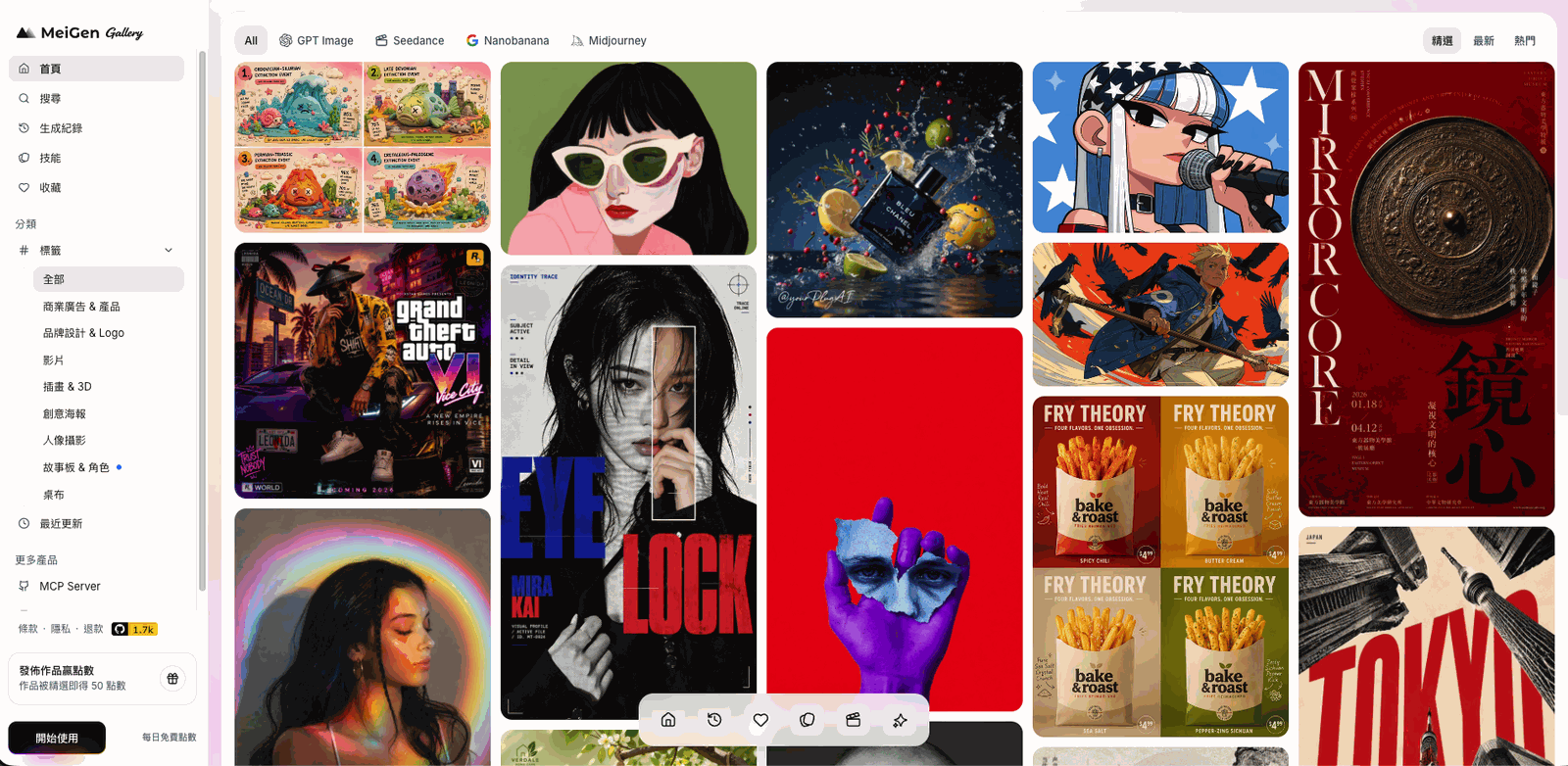
MeiGen is an AI image prompt gallery and generation platform. In short, it collects great AI-generated images from creators around the world — along with their full prompts — so you can browse, copy, and adapt them instead of writing a prompt from scratch.
For me, this solves a real problem: the hardest part of making a good AI image usually isn't the design itself — it's not knowing what to type. MeiGen skips that step entirely.
⚠️ Heads up: there are several lookalike sites out there — meigenai.io and meigen.art are not the one covered in this guide. The real official site is meigen.ai. Double-check the URL before you share a link, so people don't land on the wrong site.
Core features and how to use them
Browsing and searching prompts
- Category browsing: click a category in the left sidebar (e.g. "Ads & Products," "Portrait Photography," "Storyboards & Characters," "Wallpapers") to quickly filter by style
- Keyword search: use the "Search" bar at the top to find a specific style or theme
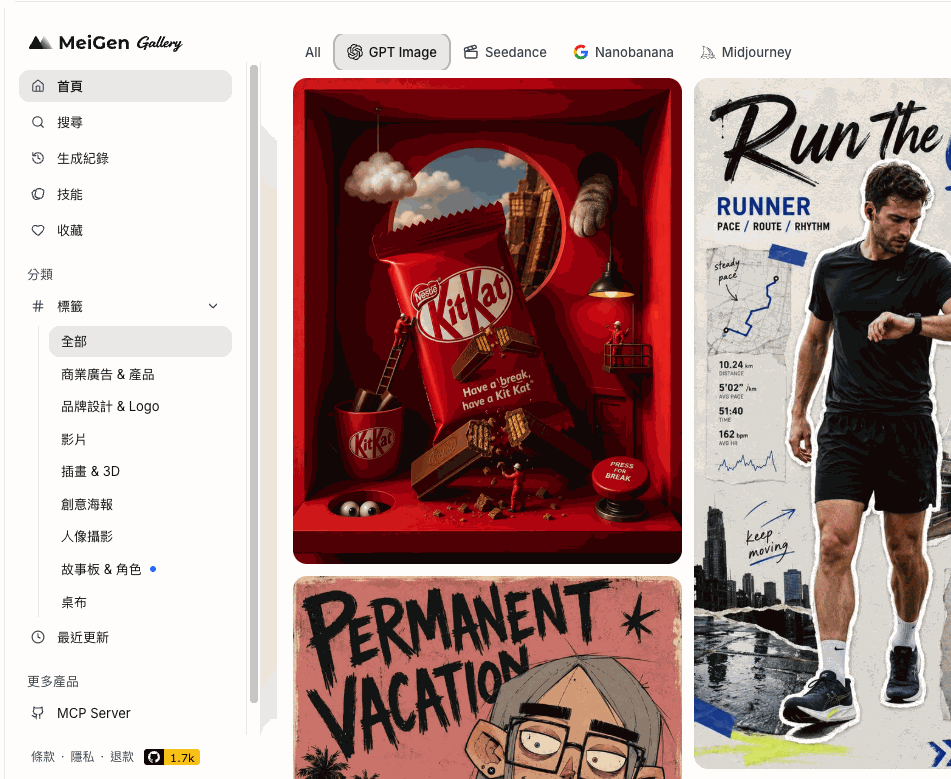
- Model filtering: the top tab bar lets you filter by AI model — GPT Image, Seedance, Nanobanana, Midjourney, and more. If you already know which model you use, you can jump straight to matching work
Using and copying prompts
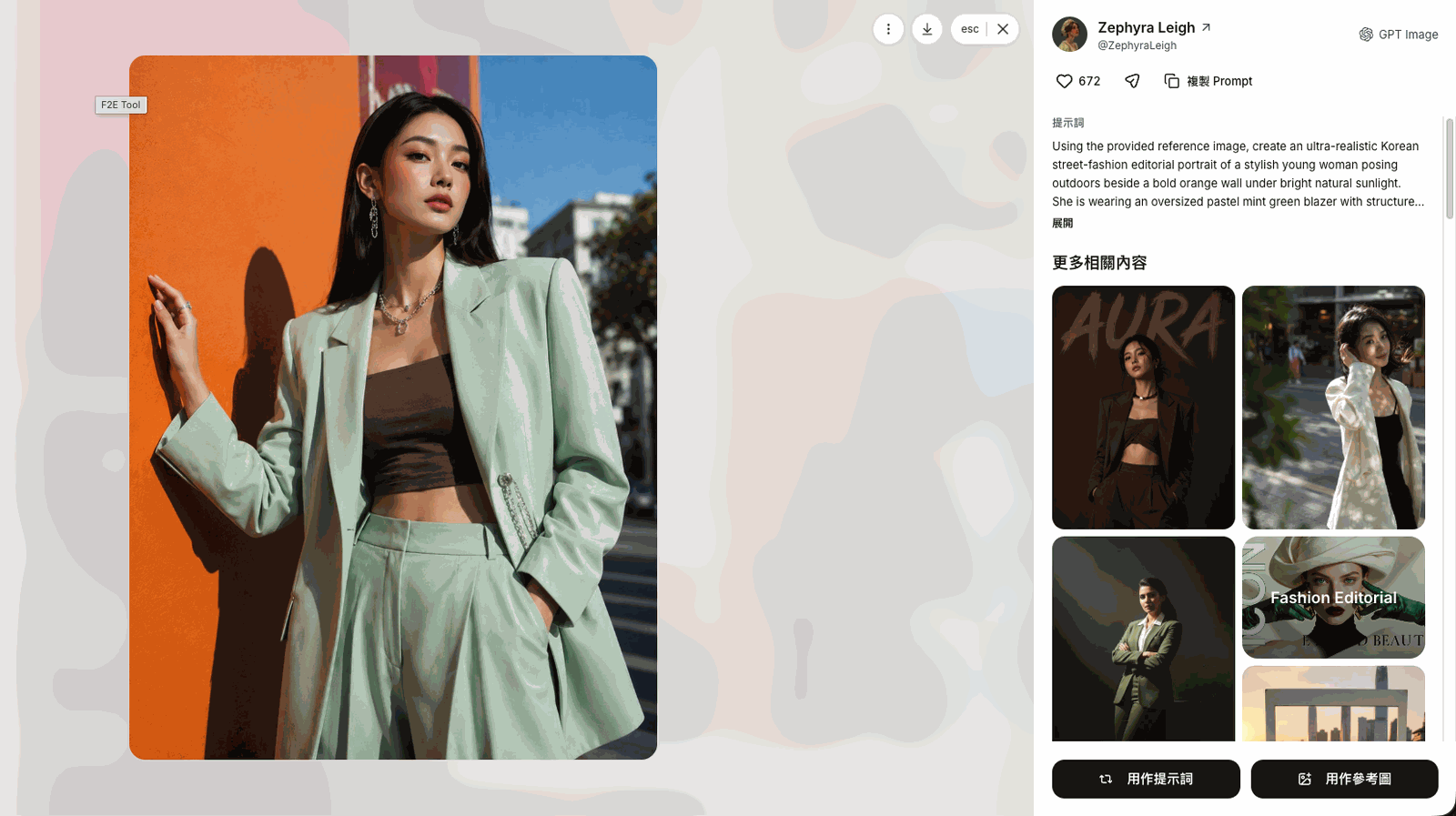
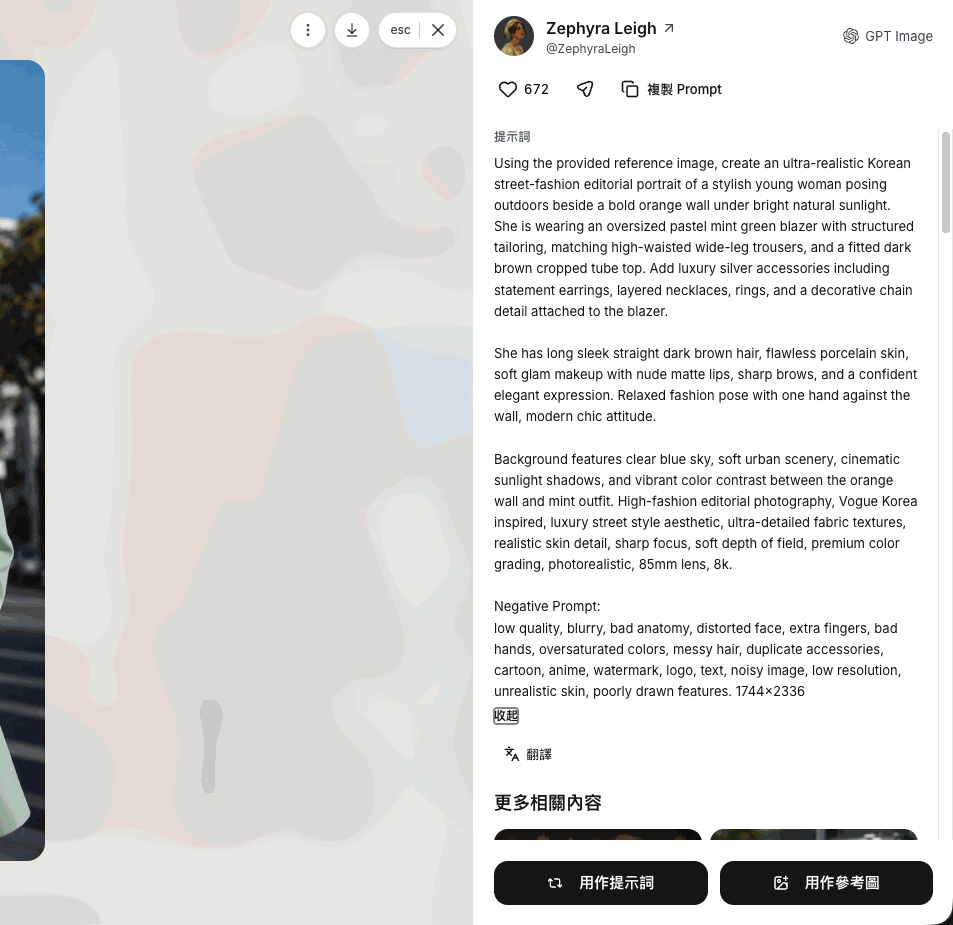
When you spot something you like in the gallery, click "Use Idea" on the card to pull that work's prompt and settings straight into your own creation flow. If you just want the raw text, click "Copy Prompt" instead and paste it into any AI tool you like — you're not locked into generating on MeiGen itself.
Generating images on the platform
If you want to generate directly on MeiGen:
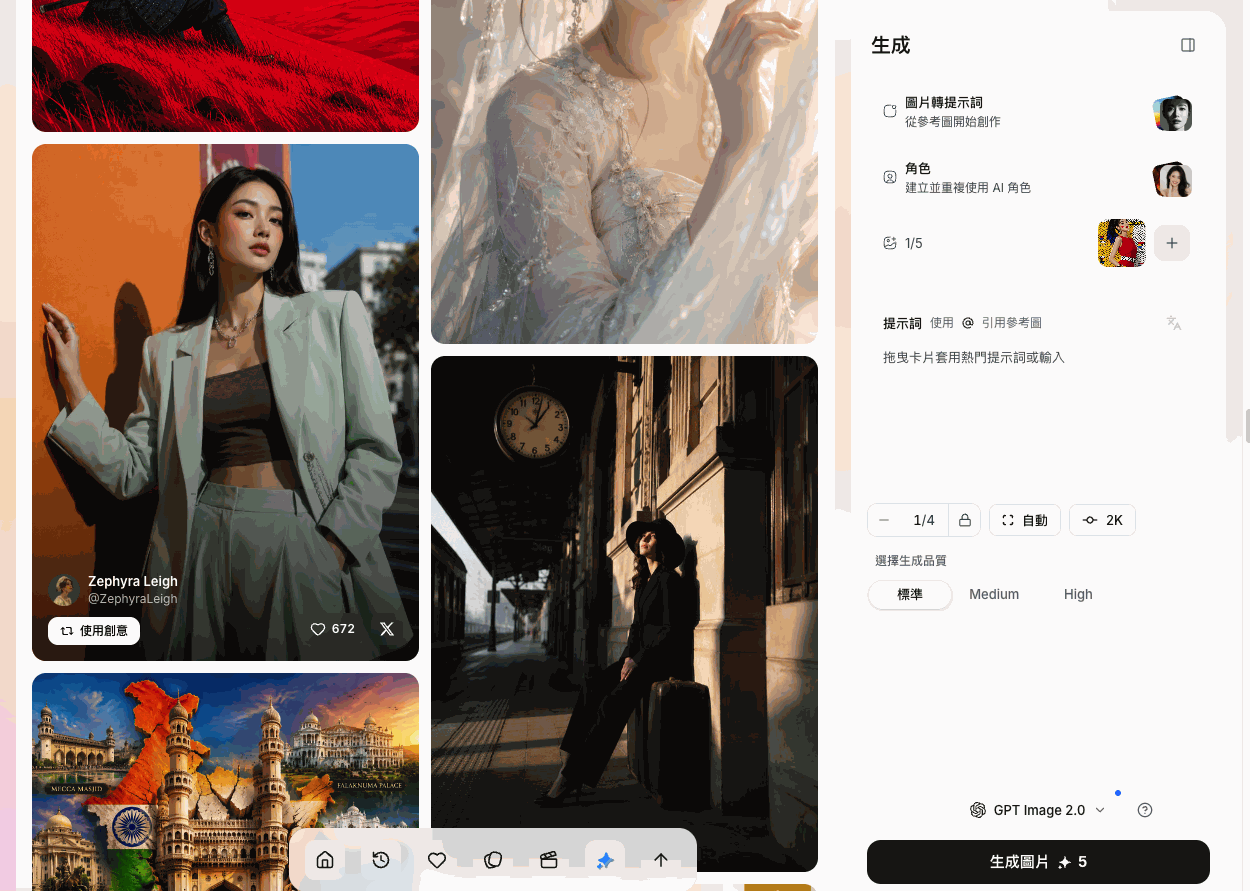
- Prompt input: type a text description in the generation panel, or use a trending prompt card
- Reference images and character sets: supports "image-to-prompt" and reference image uploads, and you can create a reusable AI character (handy for brands that need to keep the same spokesperson look)
- Quality and model selection: set generation quality (Standard / Medium / High) and a model (GPT Image 2.0, Nanobanana, Seedream, Midjourney, etc.), then click "Generate" — this spends credits
Credit rewards
- Daily free credits: log in to claim free credits every day
- Earn credits by publishing: publish a prompt-based work yourself, and if it gets picked as "Featured," you earn 50 free credits
Free vs. paid — where's the line?
Worth spelling out clearly so there's no confusion:
- Free: browsing works, reading full prompts, and copying prompts — all free. You can copy a prompt and paste it into any other AI tool (like your own ChatGPT), with no platform lock-in
- Paid / credit-consuming: only generating an image directly on the MeiGen site burns site credits. There's a free daily allowance, but my honest recommendation is to paste the copied prompt into your own ChatGPT instead — it's the more cost-effective route, and you don't have to juggle credits on two platforms.
Who is this for?
- Anyone who wants nice AI visuals but never knows what to type
- Anyone producing e-commerce, poster, or social media visuals at volume and needs consistent output
- Anyone who wants to see results fast without starting from zero
- Anyone who wants to save design time while keeping a certain visual quality bar
Advanced tip: turning someone else's prompt into "yours"
Prompts copied from the site usually follow this structure:
[Subject description] + [Scene/background] + [Lighting] + [Camera/angle] + [Style/quality keywords]
Once you know this structure, adapting it is straightforward:
For a product: swap the "subject description" for your own product's appearance and name — keep everything else (scene, lighting, camera, style) as-is.
For a person: swap the subject description for "your age/gender/outfit/expression/ethnicity" — keep the scene, lighting, camera, and style settings exactly as written, everything else unchanged.
If you can't parse a prompt: just ask ChatGPT — "What does this prompt say? If I want to swap in my own product/portrait, how should I change the description?" You can also ask AI to break the prompt down section by section, or even translate it into your language — no need to wrestle with the English yourself.
Reverse it: turning a photo you like into a prompt
Keep this in mind: anything you can do with AI, you can also do in reverse.
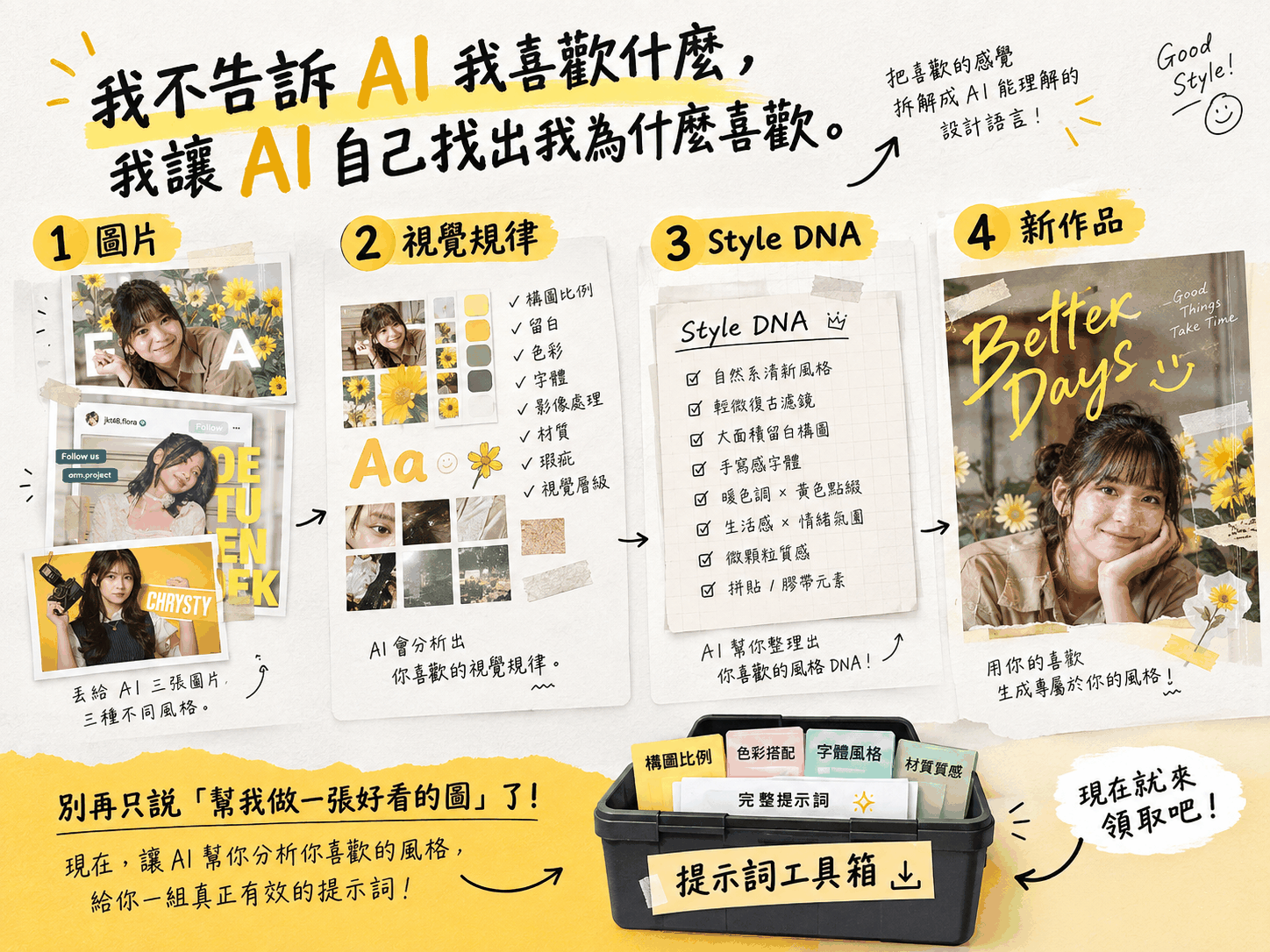
If you spot an image you like anywhere (not just on MeiGen), you can send it to an AI and ask it to analyze the image and produce a precise prompt so you can create something similar.
For higher accuracy, ask the AI to analyze each dimension separately — lighting / subject / style / composition / camera / color grading — then have it merge those into one complete prompt. Compared to just saying "write me a prompt," this break-down-then-recombine approach usually gets you closer to what you actually wanted.
There's an app too
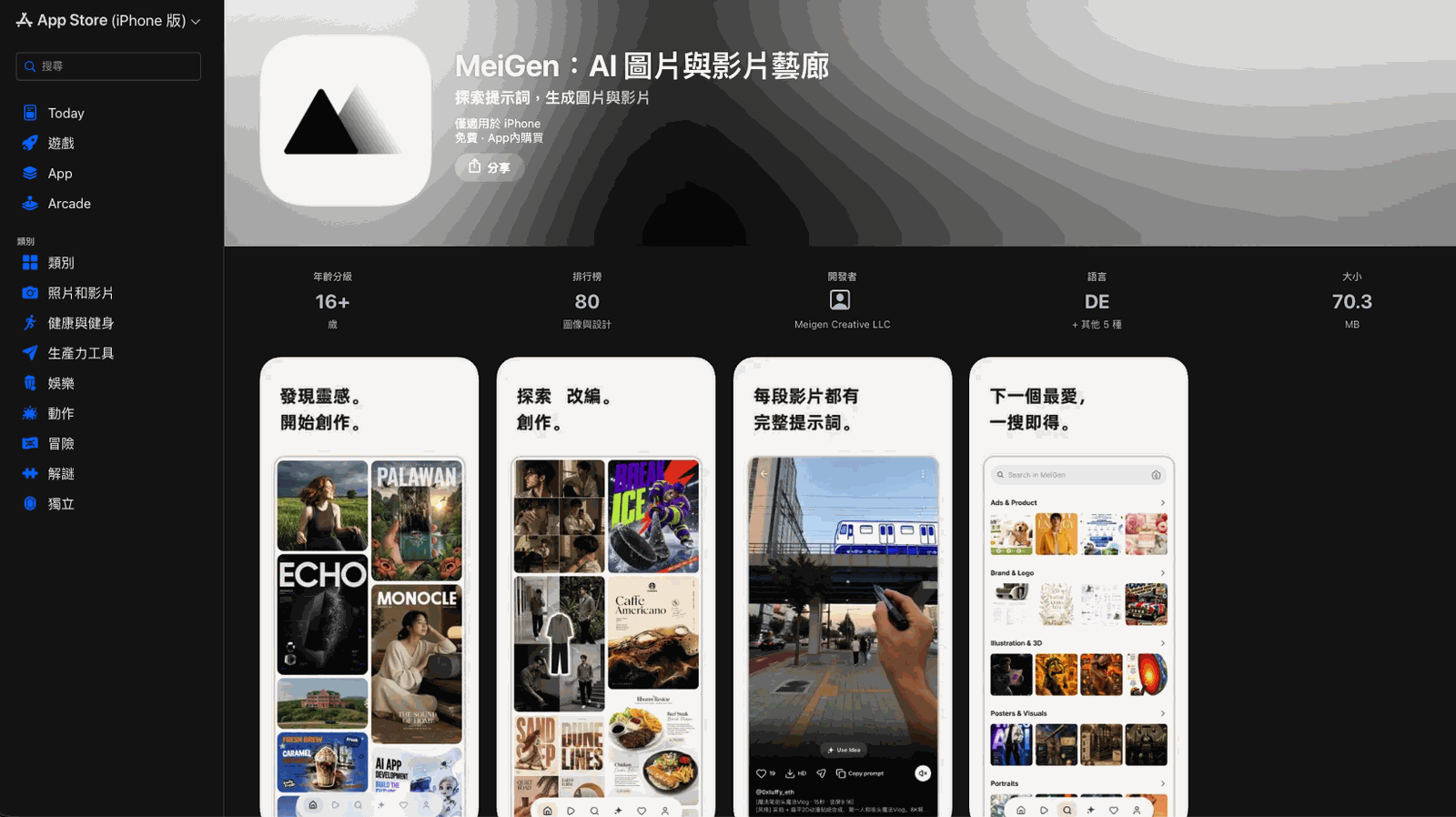
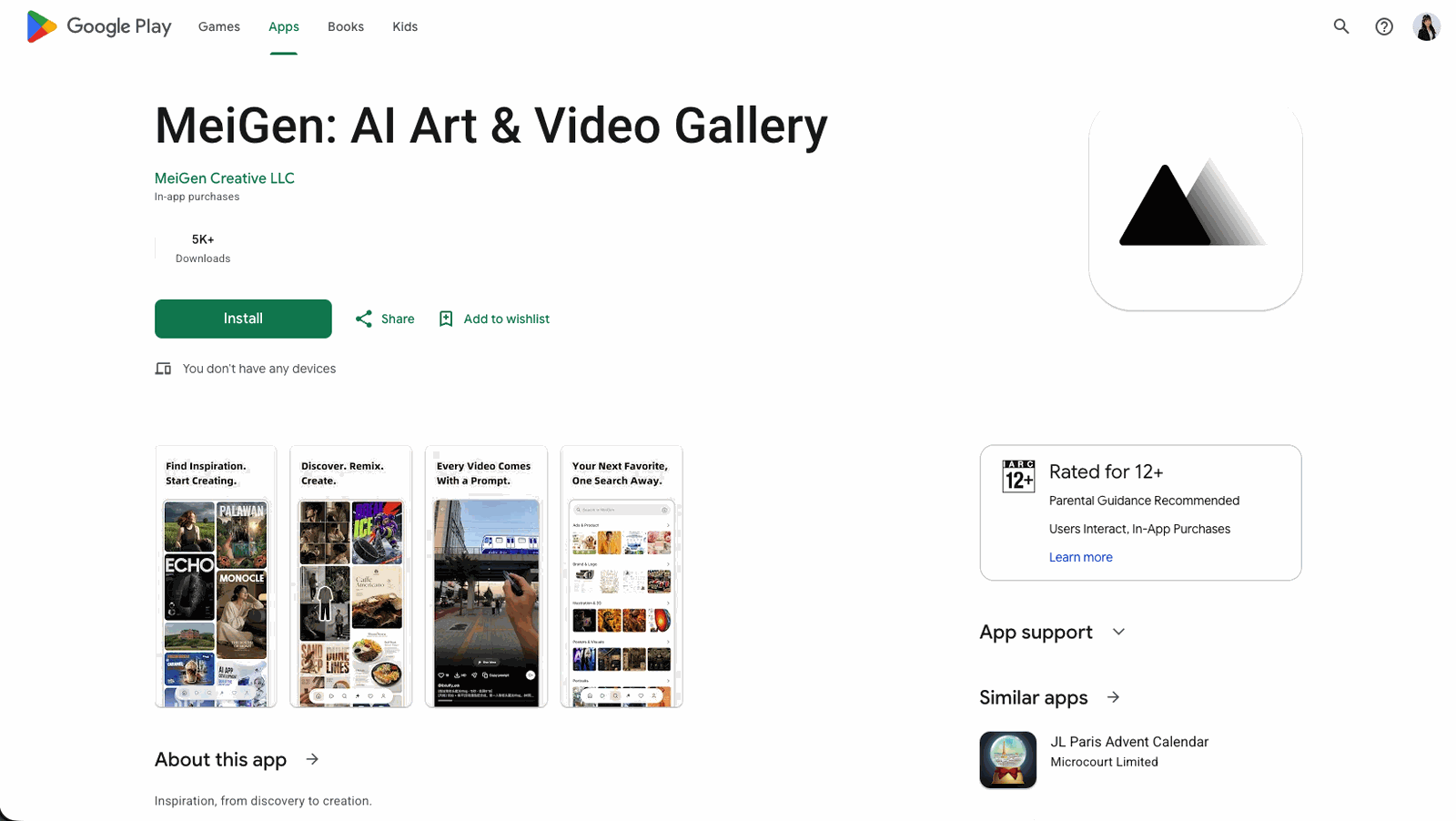
If you prefer browsing for inspiration on your phone, MeiGen is on both the App Store and Google Play (app name: "MeiGen: AI Art & Video Gallery"). Browsing the gallery and grabbing prompts works the same way on mobile.
One last thing
If you've read all the way down here, you're genuinely impressive — sticking with something this long isn't common these days. Well done! ♥(´∀` ) ♥
AI really is incredible, isn't it? Let's keep embracing it. I'm still learning too — let's grow up together, we're all still so new at this.
If you liked this post, share it with a friend — this one's just a genuine share, because I love this feeling too!